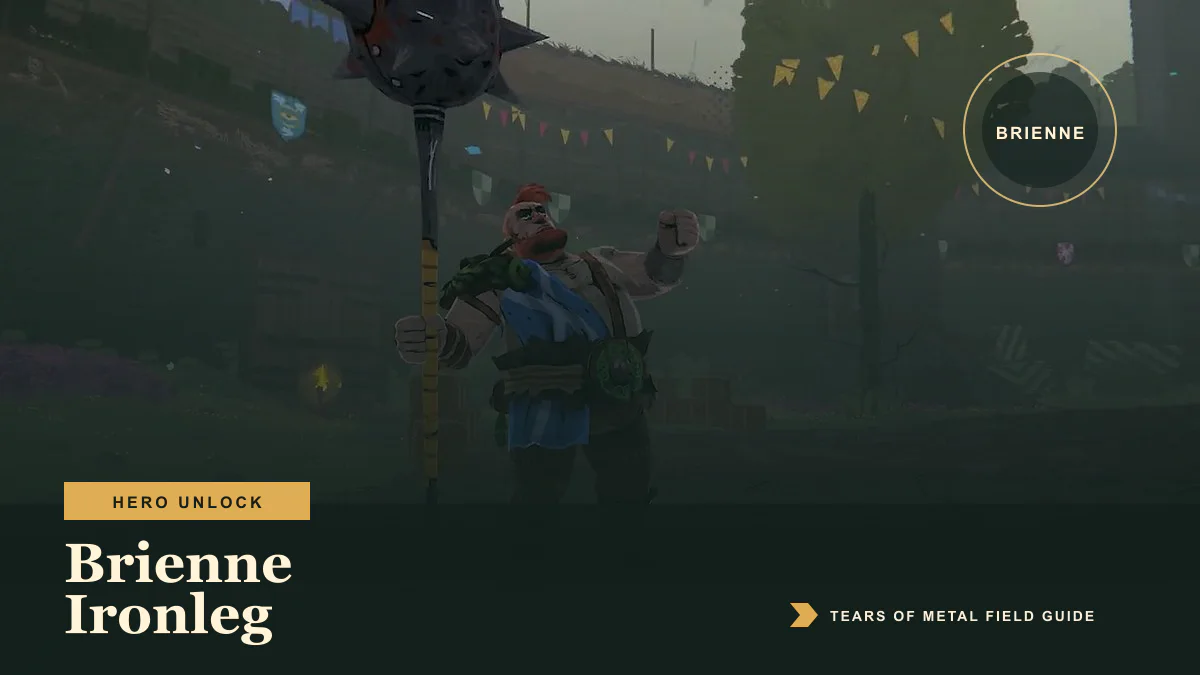
Brienne Ironleg is unlocked by completing her recruitment event during a campaign. When the event appears, follow its on-screen objectives, clear the encounter, and let the closing dialogue finish. Brienne then becomes available from the hero selection screen in the village.
The recruitment event is part of the campaign rather than a purchase in the village. Campaign routes can vary, so use the event name and objective marker shown in your current run instead of looking for a fixed map coordinate.
Brienne unlock steps
- Finish the opening tutorial and enter the village.
- Start a campaign with Wallace.
- Follow the campaign map until Brienne’s recruitment event becomes available.
- Select the event and complete every objective displayed on the encounter HUD.
- Continue through any newly opened gate and finish the remaining enemies or objective.
- Let the recruitment dialogue and end-of-encounter screens complete.
- Return to the village and open the hero selection screen.
Brienne should now appear as a playable hero.
Where the recruitment event appears
Tears of Metal uses branching campaign routes, so the recruitment event’s position relative to battles, merchants, and other rewards can change from one run to another.
Prioritize the Brienne event when it becomes selectable. If your current route does not reach it, continue the campaign or look for the event on a later attempt rather than restarting solely to reproduce a route shown in an older video.
How to complete the encounter
Treat the objective text at the side of the screen as the authority for the current version. Clear each marked group or objective before moving to the next section. If a gate stays closed, check the arena for an unfinished objective, an enemy outside the main group, or a marker behind you.
Do not quit as soon as Brienne appears. Finish the encounter and its dialogue so the recruitment can be written to your profile before returning to the village.
When Brienne becomes playable
The unlock is visible after the recruitment event has completed and you return to the village’s hero selection screen. She is a separate hero choice; the event does not replace Wallace during the campaign in progress.
If Brienne does not appear immediately, finish the results screen, return to the village, and reopen hero selection. Restarting the game once can also force the roster to reload.
Gate closed during Brienne’s quest
Paper Cult fixed a bug in patch 0.8.57278 that could leave gates closed during Brienne’s unlock quest. If a gate will not open even though the visible objective is complete:
- Check the arena edges and objective list for a remaining target.
- Wait for the current dialogue or objective update to finish.
- Confirm that the game is running a build newer than
0.8.57278. - On Steam, open Properties → Betas and use the standard branch unless you specifically need the older crossplay branch.
- Restart the encounter after updating.
- If the problem repeats, verify the installed game files.
The optional Steam crossplay branch can be older than the standard branch. Its quest behavior may therefore differ from the current build.
Brienne still locked after recruitment
Work through these checks in order:
- Return all the way to the village rather than checking only during the campaign transition.
- Close and reopen the hero selection screen.
- Restart Tears of Metal once.
- Confirm that the recruitment encounter reached its normal ending.
- Update both the game and the selected Steam branch.
- Repeat the event as the host or in solo play if a co-op client did not receive the unlock.
If the unlock still fails, include the game version and player logs in a bug report. On Windows, the logs are stored in:
C:\Users\YOUR_USERNAME\AppData\LocalLow\Paper Cult\Tears of Metal
Attach Player.log and Player-prev.log when reporting a reproducible quest failure.
What to do after unlocking Brienne
Return to the complete hero list to compare Brienne with Wallace and Ruadh. The campaign walkthrough explains route choices, Act bosses, and where hero unlocks fit into a complete run.
Frequently asked questions
Is Brienne available in Early Access?
Yes. Brienne is one of the three playable Early Access heroes.
Do I buy Brienne in the village?
No. She becomes available after her campaign recruitment event.
Is Brienne tied to one fixed map node?
No universal node number applies to every campaign. Follow the event and objective labels in your current run.
Why will the quest gate not open?
First check for an unfinished objective. If everything is complete, update the game: patch 0.8.57278 fixed a known gate problem in Brienne’s unlock quest.
After recruitment, use the Brienne build guide for her Direct-Hit, Dodge, and Special loop.
Advertisement
Sources
- Paper Cult patch notes for Brienne's unlock quest gate fix Accessed 8/2/2026
- Current Early Access Brienne recruitment event and hero panel Accessed 8/2/2026
- Paper Cult confirmation of the Early Access hero roster Accessed 8/2/2026
Last updated August 2, 2026