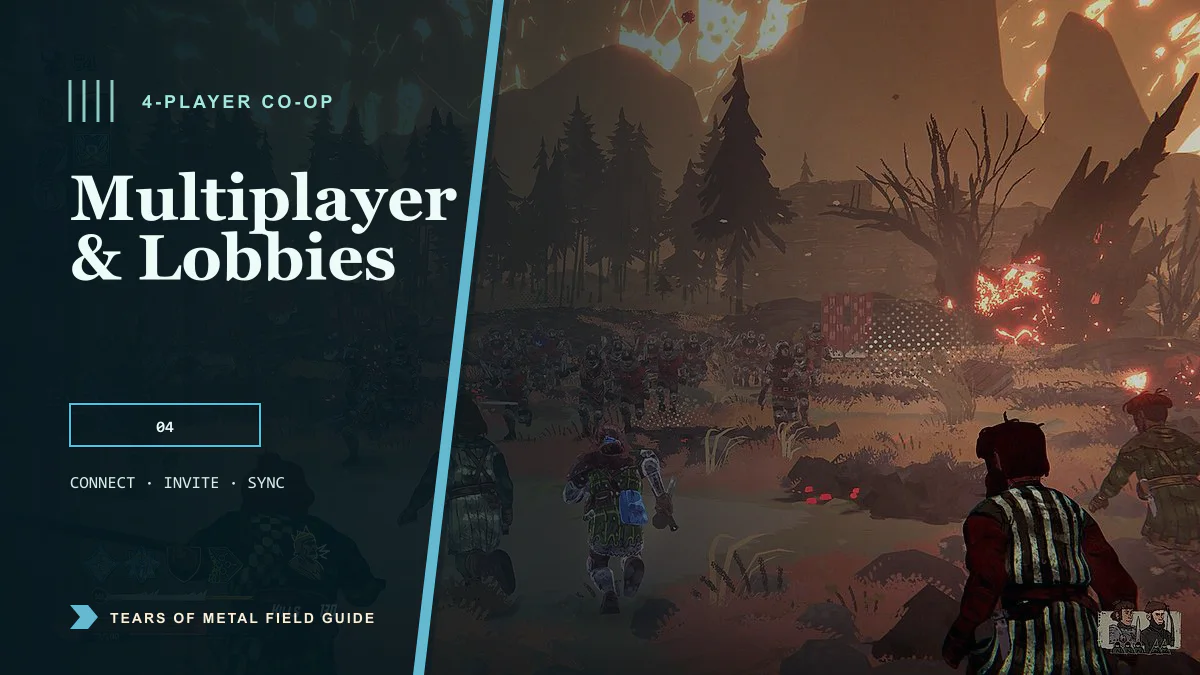
Tears of Metal supports online co-op for up to four players. Two- and three-player groups can also play; you do not need to fill every slot. Players may choose the same hero, so a four-person party is not restricted by the three-character Early Access roster.
Finish the opening tutorial first. Once you reach the village, use the in-game multiplayer menu to create or join a session and invite friends.
Co-op quick facts
| Question | Current answer |
|---|---|
| Maximum party size | Four players |
| Can two or three people play? | Yes |
| Can players choose the same hero? | Yes |
| Where do invites become available? | In the village after the tutorial |
| Is it online co-op? | Yes |
| Is local split-screen listed? | No |
| Does crossplay work on the newest standard build? | Temporarily disabled |
| Are mid-run saves available? | Not yet; Paper Cult says the feature is in development |
How to start a co-op lobby
- Launch Tears of Metal and complete the tutorial campaign section.
- Continue until you reach the village screen.
- Open the multiplayer option from the in-game menu.
- Create a lobby and choose the available privacy or matchmaking option.
- Invite your friends from inside the game.
- Wait for every player to appear in the lobby before beginning the campaign.
If a Steam invite appears to do nothing before the tutorial is complete, return to the game and finish the tutorial first. Paper Cult specifically identifies the village as the point where friend invites become available.
How to join a friend
The most reliable route is to have the host create the session from the village and send the invitation from the in-game menu. Accept the invite after your own tutorial is complete and remain in the game while the connection finishes.
If you are playing through different PC storefronts, stop here and check the crossplay setup guide. The latest standard Steam build cannot currently connect across storefronts without switching to the optional crossplay branch.
Can everyone use the same hero?
Yes. Paper Cult confirmed that all four players may select the same character. This matters while the game has three playable heroes: your group does not need to divide the roster or wait for another hero to be added.
Public lobbies
Tears of Metal includes public lobby listings. A launch-day hotfix stopped lobbies for already-started campaigns from remaining in the public list. If a lobby repeatedly fails to join, refresh the list and choose a newly created room rather than retrying an entry that may have just begun a run.
Current multiplayer problems
Paper Cult is actively working on multiplayer desync. The studio has found that connections routed through distant relay servers are more likely to desync, and the current 0.11.57863 patch does not yet contain the planned networking changes.
If players freeze, drift apart, or see different battle states:
- Let the player with the most stable connection host.
- Prefer a host geographically close to the rest of the group.
- Stop large downloads, cloud backups, or streams during the session.
- Restart the lobby after a desync instead of continuing with mismatched game states.
- Update everyone to the same game version or the same crossplay beta branch.
Use the dedicated co-op troubleshooting guide for connection failures, repeated desync, or cross-store invite problems.
Plan time for a full run
Mid-run saving is still in development. Start a co-op campaign only when the group has enough time to continue, and do not assume that closing the game between battles will preserve the current run. Paper Cult has listed mid-run saves as an active priority but has not announced a release version.
Frequently asked questions
Is Tears of Metal four-player co-op?
Yes. The party can contain up to four players.
Can I play with only one friend?
Yes. Two-player co-op is supported within the four-player maximum.
Do I need to unlock co-op?
You need to finish the tutorial and reach the village before sending in-game invites.
Is there couch co-op or split-screen?
The current Steam listing specifies online co-op and does not list local or split-screen co-op.
Does Tears of Metal support crossplay?
Cross-store PC play exists, but it is temporarily disabled on the newest standard version. Steam players currently need the optional Crossplay beta branch. See the live crossplay instructions before creating the lobby.
Advertisement
Sources
- Official Tears of Metal Steam store page Accessed 8/2/2026
- Paper Cult Early Access launch announcement Accessed 8/2/2026
- Developer answer on player count and duplicate heroes Accessed 8/2/2026
- Developer answer on unlocking multiplayer invites Accessed 8/2/2026
Last updated August 2, 2026