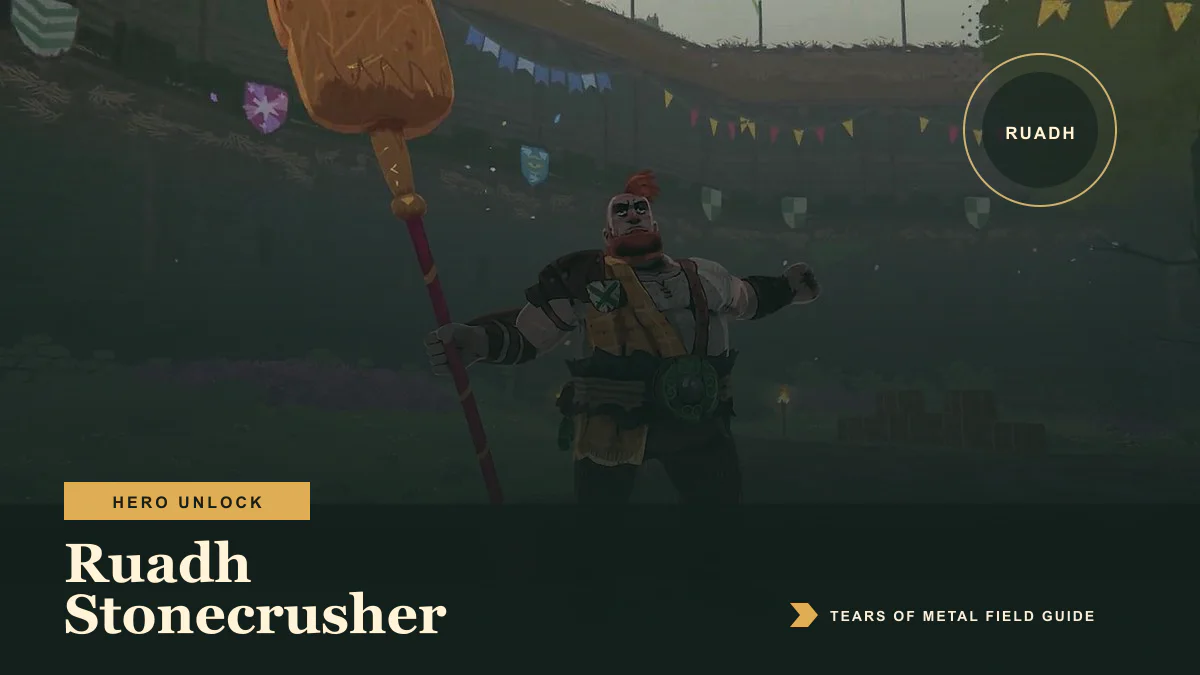
To unlock Ruadh Stonecrusher on the current version of Tears of Metal, defeat Iseult the Banshee and complete the post-battle transition. Ruadh should then be available from the hero selection screen in the village.
You no longer need to defeat the final boss. Paper Cult changed Ruadh’s unlock condition in patch 0.8.57278, and that change remains in the current standard build.
Ruadh unlock steps
- Check that Tears of Metal is running a current build.
- Start or continue a campaign and progress beyond Act 1.
- Reach the Iseult the Banshee boss battle.
- Defeat Iseult.
- Complete the results and transition screens rather than quitting immediately.
- Return to the village and open the hero selection screen.
Ruadh should now be selectable.
Why older guides mention the final boss
At launch, players reported a much later unlock requirement. Patch 0.8.57278 explicitly changed Ruadh so that he unlocks after the Banshee instead. Any route that still tells you to defeat Harold the Dragon first is describing the launch build or an older beta branch.
The standard Steam branch is currently ahead of the optional Crossplay beta branch. If you deliberately selected that older branch to play across PC storefronts, its unlock behavior may not match the current build.
Ruadh is still locked after the Banshee
Work through these checks in order:
- Return to the village. Do not check only during the campaign transition.
- Restart the game once. This forces the village and hero roster to reload.
- Confirm your branch. On Steam, open Properties → Betas. Select the standard branch if you do not currently need the older crossplay build.
- Let Steam finish updating. Ruadh’s current requirement is included in versions after
0.8.57278. - Verify the installed files. In Steam, open Properties → Installed Files → Verify integrity of game files.
- Defeat the Banshee again on the current branch if the first victory occurred on an older build.
Does co-op count for the unlock?
The unlock is attached to defeating the Banshee, but Early Access multiplayer can still suffer from desync and progression problems. If a co-op victory does not unlock Ruadh for a client player, restart the game and check the village first. If he remains locked, repeat the fight as the host or in solo play before submitting a bug report.
This is a troubleshooting route, not a requirement to unlock him solo.
How to report a failed unlock
If Ruadh remains locked after a current-build Banshee victory, include your game version and player logs in a report to Paper Cult. On Windows, the logs are stored in:
C:\Users\YOUR_USERNAME\AppData\LocalLow\Paper Cult\Tears of Metal
Attach Player.log and Player-prev.log to the official Steam bug-report thread or send them to the support address given by the developer in that forum.
What to do next
Return to the complete hero list to compare Ruadh with Wallace and Brienne, or continue with the three-Act campaign walkthrough. If the fight itself is the obstacle, use the Iseult strategy. If you changed Steam branches while troubleshooting, read the current crossplay status before joining friends on another PC storefront.
Frequently asked questions
Which boss unlocks Ruadh?
Iseult the Banshee unlocks Ruadh on the current standard build.
Is Ruadh one of the future portrait characters?
No. Ruadh is one of the three playable Early Access heroes. The other unavailable portraits are planned additions.
Can I unlock Ruadh before finishing all three acts?
Yes. The Banshee requirement allows the unlock before the final Act boss.
After unlocking him, use the Ruadh build guide for his Heavy finisher, healing, and crowd-control priorities.
Advertisement
Sources
- Patch 0.8.57278 Ruadh unlock change Accessed 8/2/2026
- Paper Cult Early Access hero count Accessed 8/2/2026
Last updated August 2, 2026